
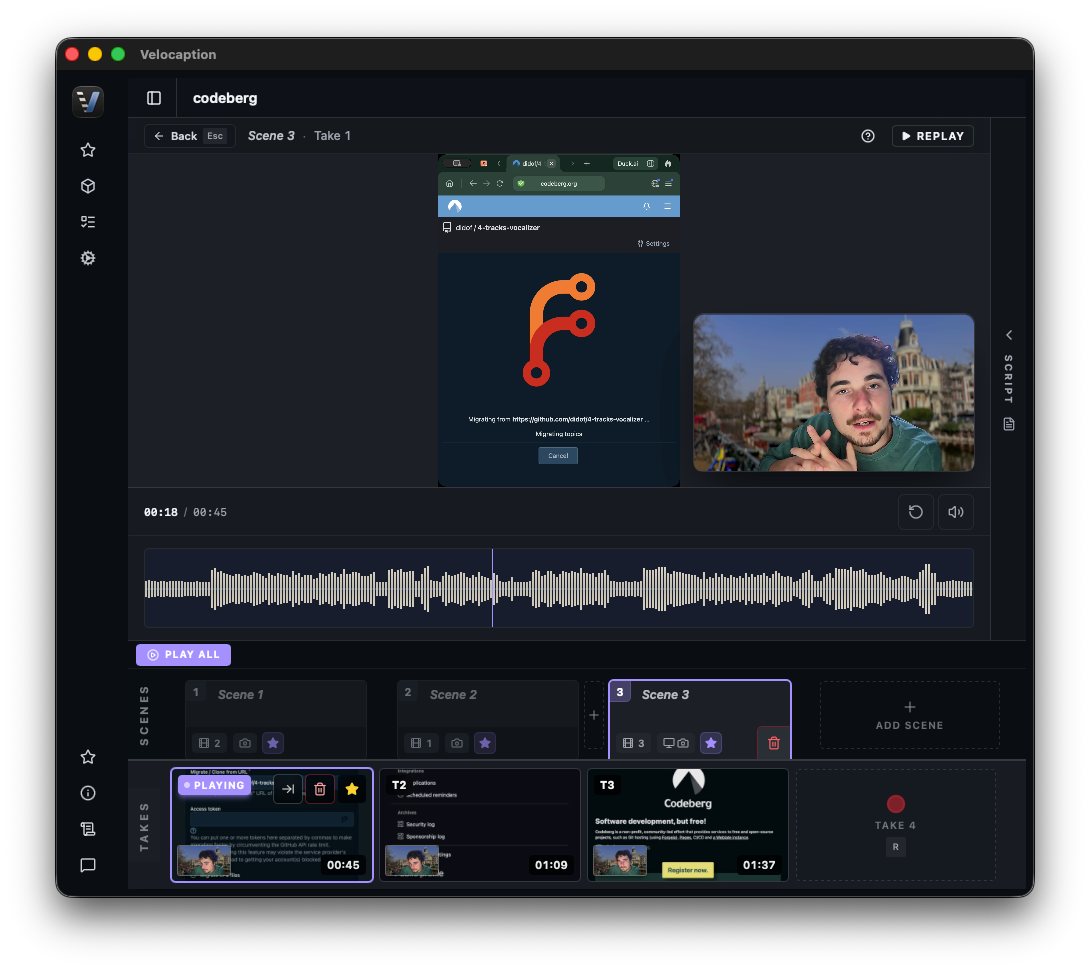
Edit Course Videos Without Tool Hopping.
Strip dead air, add captions, export subtitle files, and keep lessons moving through one local Mac workflow.
When you spend months researching, structuring, and recording a course, the edit should not become the bottleneck. Most modules need the same finishing work: remove long pauses, correct captions, export subtitle files, and keep the visual style consistent.
Velocaption was built for that solo-educator workflow:
- Local-first editing: Record or import a lesson, clean the pacing, generate captions, and export from your Mac.
- Course-ready subtitle files: Export .SRT and .VTT files for platforms that support accessibility captions.
- Reusable styles: Keep the same caption look and overlay system across every module.
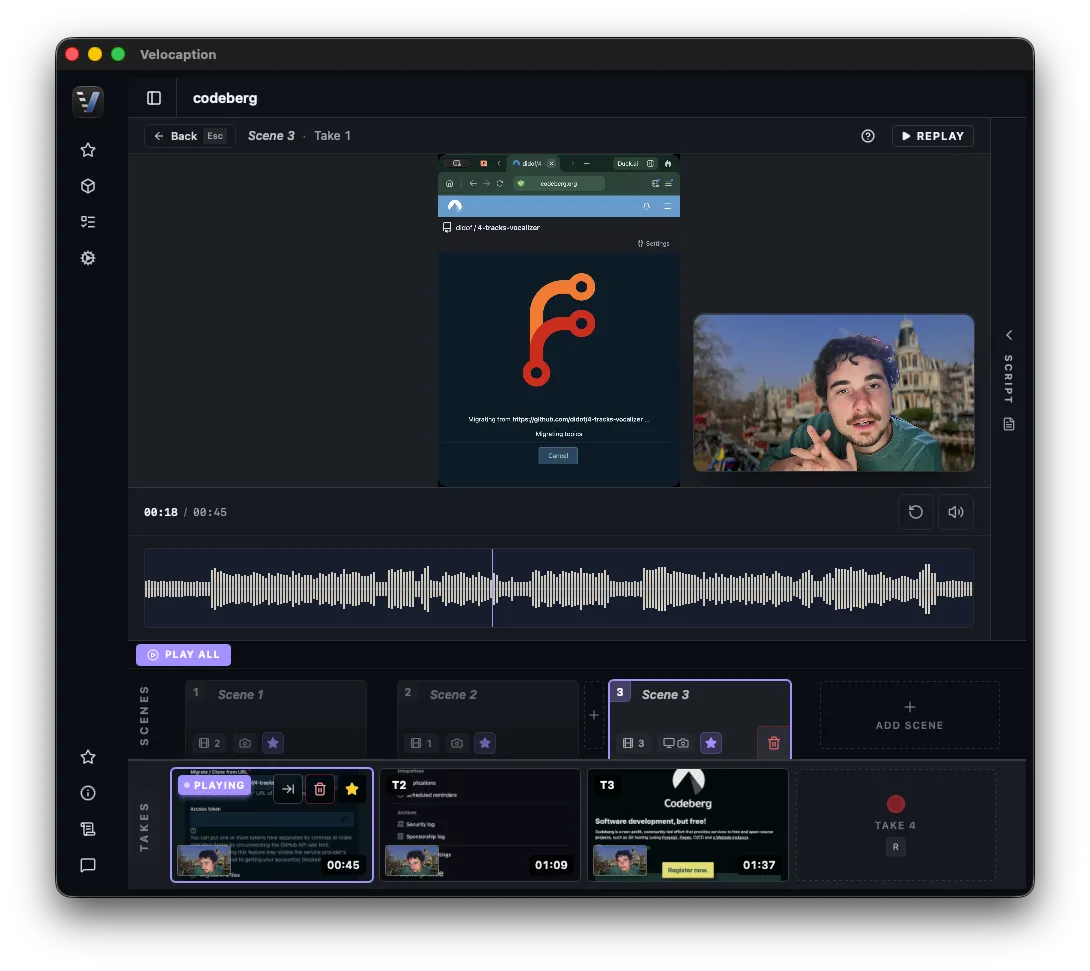 Velocaption generates captions, gives you transcript review, and exports subtitle files for your students.
Skip the Endless Trimming
Recording high-level educational content requires intense focus. When you lose your train of thought or stumble over a complex explanation, you shouldn’t have to break your flow to stop and restart the camera. Just pause, look at your notes, and start the sentence again.
Velocaption’s Auto Silence Remover is designed specifically for this “talking-head” workflow:
- Drop and Process: Drag your raw module into the timeline and analyze the waveform.
- Reviewable Cleanup: Velocaption marks pauses and quiet sections so you can remove dead air without clicking through the entire lesson by hand.
- Pacing control: Tweak the padding before and after cuts so your delivery still sounds natural.
Edit your modules in half the time.
Get Velocaption today. €59/year or €139 lifetime. Backed by a 30-day money-back guarantee.
Professional Subtitles for Every Student
Modern course platforms work better when students get readable captions and subtitle files. Once your pacing is tight, Velocaption keeps that caption work in the same project:
- Local Whisper Captions: Generate captions on your Mac and review timing alongside the video.
- The Transcript Editor: If transcription mishears a technical acronym specific to your niche, use “Replace All Occurrences” to fix repeated terms.
- Platform-Ready Exports: Export clean .SRT and .VTT files to upload directly to your hosting platform (like Skool, Kajabi, Teachable, or Thinkific).
- Downloadable Course Notes: Export your transcript as a raw .TXT file to provide students with searchable written notes alongside your video.
Own Your Workflow. Keep Your Profits.
Stop rebuilding the same lesson-finishing workflow in separate tools. Clean the module, review captions, export subtitle files, and keep the course style consistent.
Finish course modules locally.
€59/year or €139 lifetime. 30-day money-back guarantee.
Frequently Asked Questions
Is my paid course material safe from AI scraping?
Velocaption is a native Mac application built around local recording, cleanup, captioning, and export so you do not need to route each module through a browser editor.
How does it speed up talking-head editing?
Auto Silence Remover analyzes your audio waveform, marks pauses and quiet sections, and lets you review the cut before export.
Can I export SRT files for my course platform?
Absolutely. Along with a burned-in MP4, Velocaption exports clean .SRT and .VTT files that you can upload directly to platforms like Teachable, Kajabi, or Thinkific for student accessibility.
Post faster.
Record, clean up, caption, and export from one native Mac workflow.
Related Use Cases
Local Mac Video Studio for Business Teams
Record, clean, caption, brand, and export internal business videos with Velocaption's local Mac workflow.
Batch Repurpose Videos on Mac
Batch prepare horizontal videos for vertical output, add local captions, manage reusable styles, and export client-ready assets on Mac.